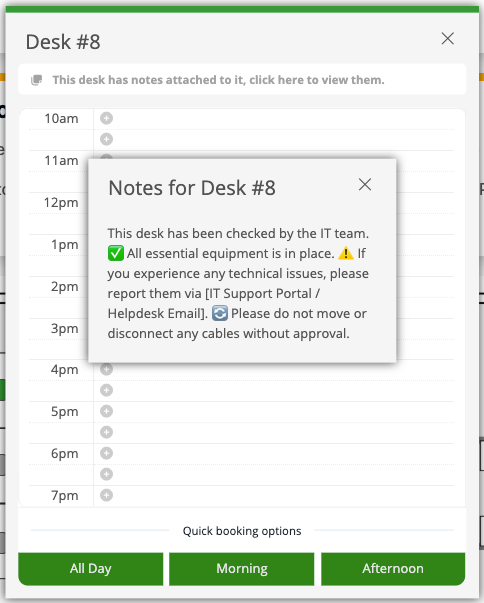
Desk notes allow you to highlight key features of a desk for users booking it. These notes can include any details you wish to show to users when viewing/booking the desk.
Desk notes are plan text only. It is not possible to add images.
Steps to Add a Desk Note:
-
Go to Settings, select “Offices,” and then choose “Edit Office Plan.”
-
Select the relevant desk
-
Add notes in the field Desk notes
-
Click update
How Users See Desk Notes:
When a note is added to a desk users will see the message: "This desk has notes attached to it, click here to view them". Users can click the message to view the full note.
Adding Notes to Email Notifications:
-
Navigate to Settings > Account > Email Settings
-
Under templates click edit next to the relevant template
-
Click in the space where you want the office note to be added. Next click on the variables icon (x) and select office notes
-
Click Save