
1. Open the Languages at the kiosk settings
- Log in to the Clearooms portal and select the ArrivalsHQ tab.
- In the left-hand menu, under Admin, select Settings and then Branding.
- Scroll down to the Languages at the kiosk section.
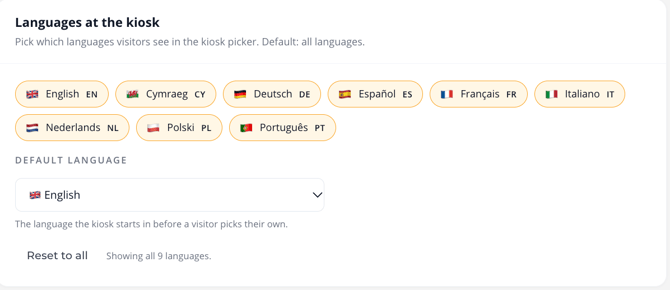
The Languages at the kiosk section
2. Choose which languages to show
Select a language to show or hide it in the kiosk language picker. Languages that are shown are highlighted. You can choose from English, Cymraeg, Deutsch, Español, Français, Italiano, Nederlands, Polski and Português.
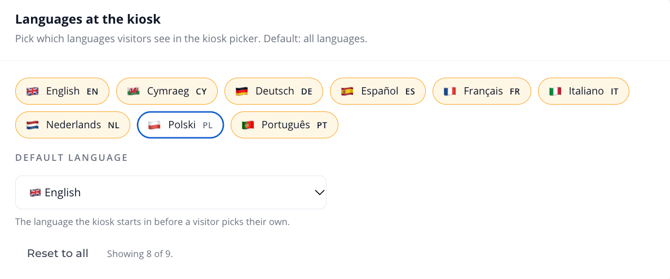
The count under the list shows how many languages are on, for example Showing 8 of 9. Select Reset to all to turn every language back on.
A hidden language, with Polski turned off
3. Set the default language
Use the Default language drop-down to choose the language the kiosk starts in before a visitor picks their own. For example, English. Once completed make sure to save these changes.