
Skip to content
English - United Kingdom
  • There are no suggestions because the search field is empty.

SCIM For Okta

If you use Okta within your organisation, setting up SCIM will keep your users in Clearooms in sync with the users in Okta. When new users are provisioned, updated and de-provisioned in Okta, then this change will also be reflected in Clearooms.

This short guide will walk you through how to configure Okta and Clearooms for SCIM.

 

OKTA


Get you Clearooms SCIM Settings

To set up SCIM, you will need to let Okta know your unique Clearooms SCIM URL and SCIM Password.

To get this, in Clearooms head to Settings > Single Sign-On, select Okta as your Identity Provider (iDP) and click on the User Provisioning (SCIM) tab.
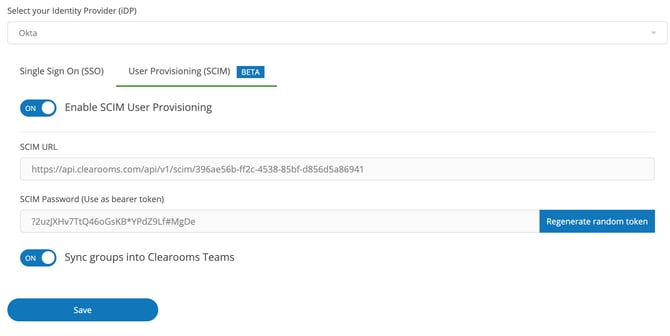
 

oktascim