
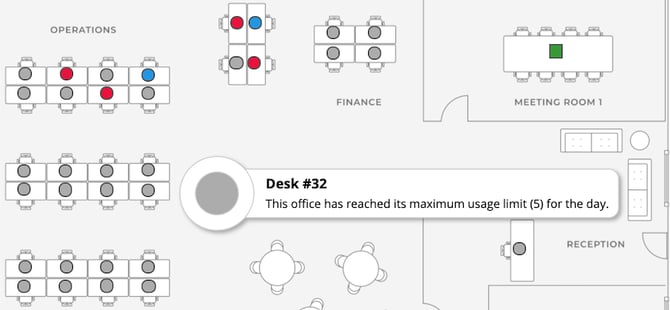
Usage limits are to allow you to set a total capacity for any single day. With a usage limit set, when the number of desk bookings on any one day in a single office is met, all other bookable icons will turn grey and users will see the message "This office has reached its maximum usage limit (#) for the day"
The limit set will also be shown in the message.
Exceptions will automatically be disabled for this rule however when enabled you can choose to allow different usage limits to Teams, Roles or individual users. Ensure you click save whenever the exceptions are updated.