

Follow the steps below to complete your OpenSpaces setup in a logical, step-by-step order.
Introduction
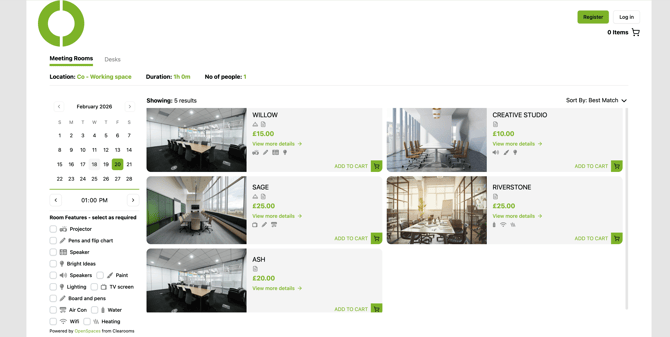
To learn all about openSpaces, how it works, and how customers interact with your booking portal click here
Payment Gateway
-
Connect Stripe or PayPal and start taking payments for bookings. Read more: Click Here
Widgets (Set Up and Configuration)
A customisable, embeddable element that connects your website to Open Spaces, enabling customers to browse availability and make bookings directly from your site.
-
How To Integrate The Open Spaces Widget: Step-by-step instructions for embedding the Open Spaces widget into your website. Read more: Click Here
-
How To Create, Configure, and Manage Open Spaces Widgets: Learn how to customise widget appearance, behaviour, and booking options.
Read more: Click Here
Cancellation Policies
-
Set up automated cancellation rules, cut-off times, and refund behaviour.
Read more: Click Here
Pricing Packages - Teams & Discounts
-
Set flexible pricing for desks, rooms, time slots, customer types, and team-based discounts Read more: Click Here
Room Configuration
-
Set up meeting rooms, capacities, features, and scheduling rules.
Read more: Click Here
Desk Configuration
-
Manage desk types, availability, amenities, and booking rules.
Read more: Click Here
Reports
-
Access booking and invoice reports to monitor activity and effectively manage invoicing using the following reports: Room Booking Report, Desk Booking Report and Invoiceable Booking Report.
Notifications
-
Control who receives alerts for bookings, cancellations, and other activity.
Read more: Click Here